
Create your account
Make a free account so you can add your dog and book.
▶ Watch this video in a new tab if it doesn’t play above.
You need an account to book with us. It is free and takes about two minutes. Did you come to us before, on our old system? Then you may already have an account. See Coming from the old system first.
Steps
- Go to our website. Press Log In at the top. On a phone, tap Menu first.
- Under the gray box, tap Create an account.
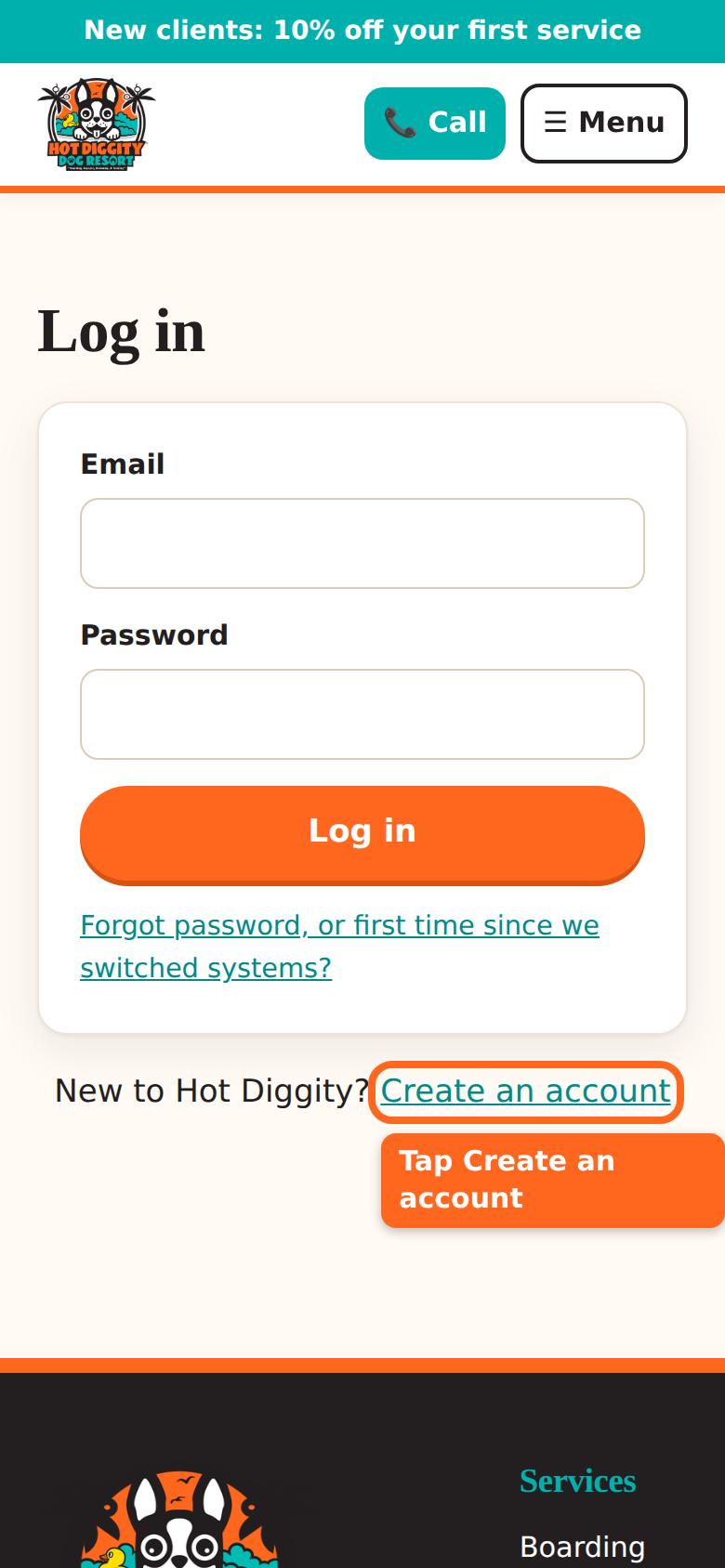
The Create an account link on the Log in page - Type your First name and Last name.
- Type your Email. Use one you check often. We send booking news there.
- Type your Mobile phone number.
- Make up a Password. It needs at least 8 letters or numbers.
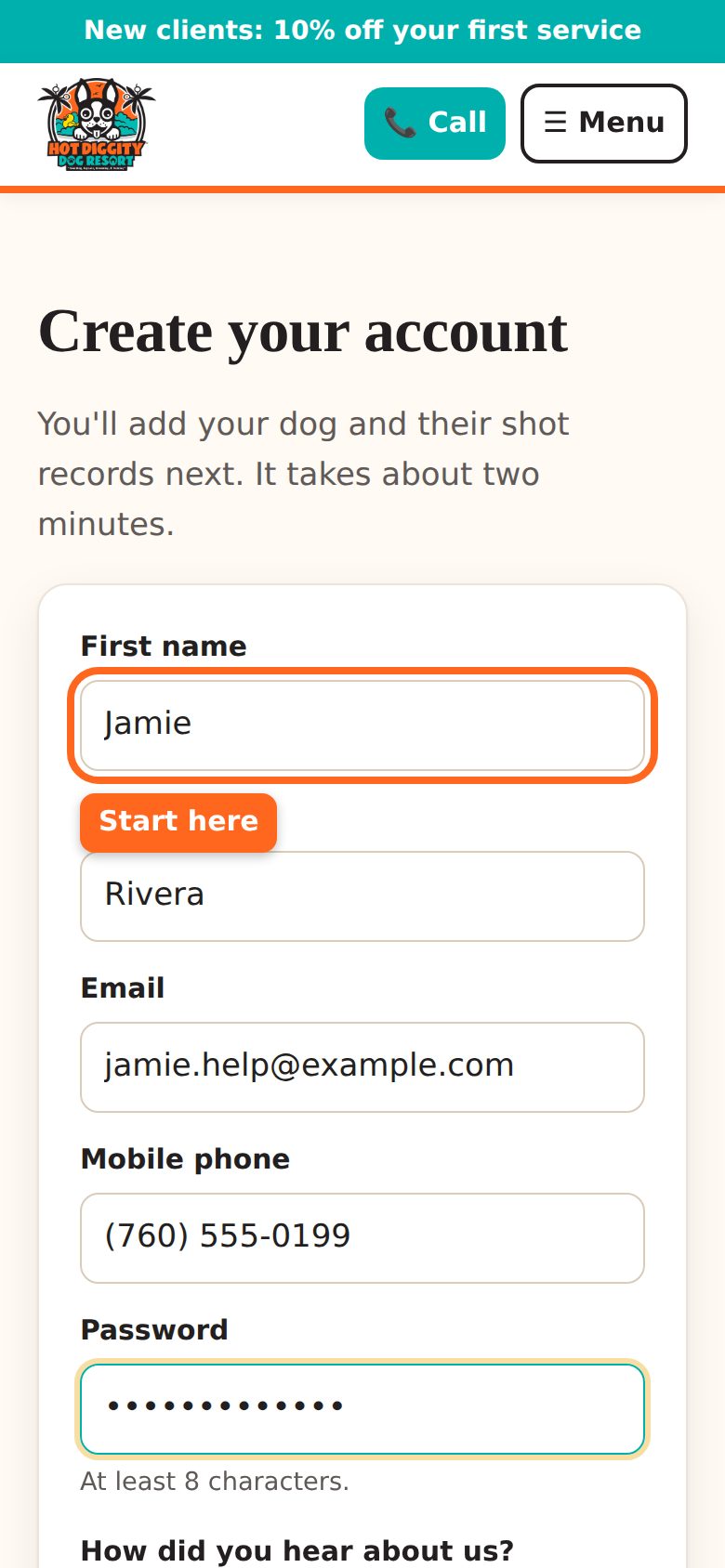
The sign-up form with the First name box circled - Pick an answer for How did you hear about us? You can skip this one.
- Look at the text box that starts with "Yes, text me." It starts out empty. That means no texts.
- Want texts from us? Tap the box to check it. Don't want texts? Leave it empty.
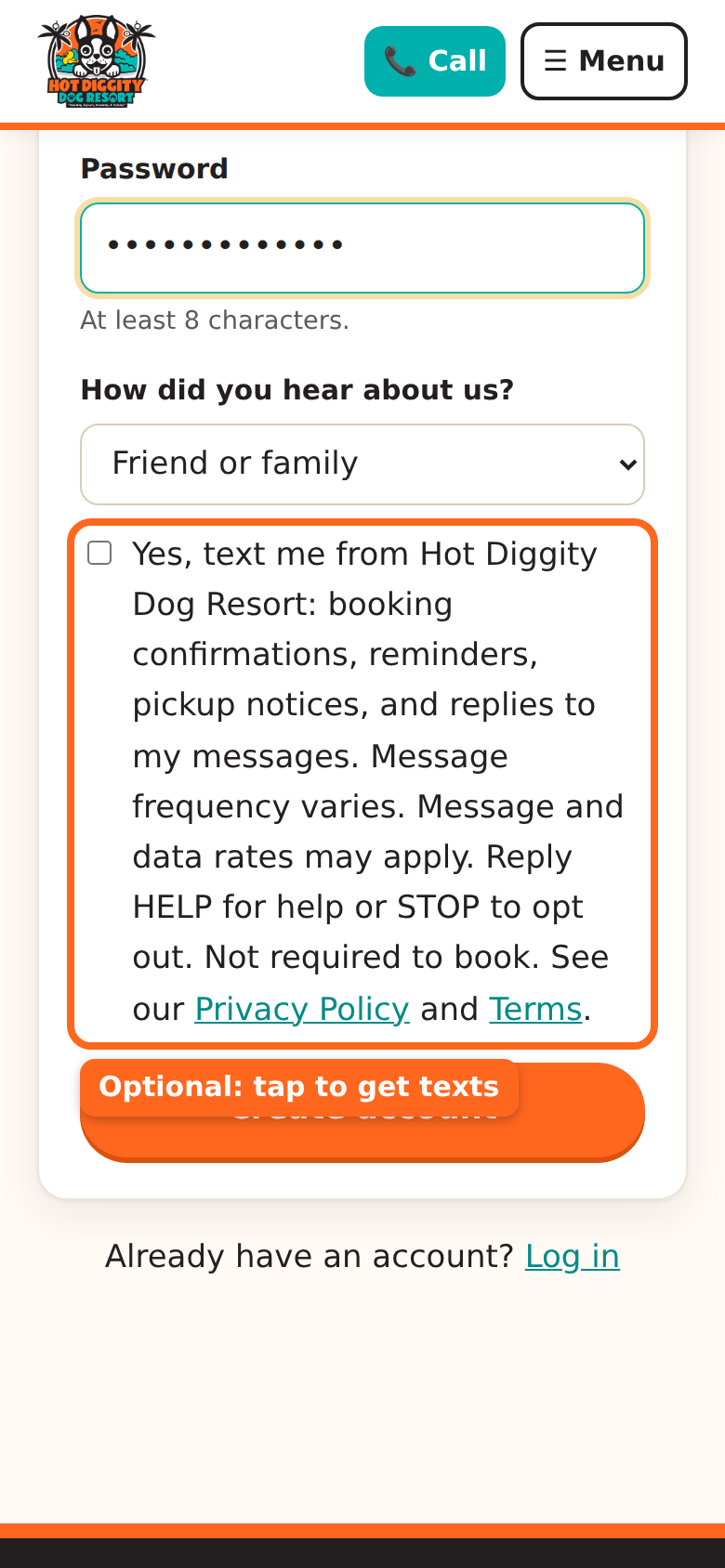
The text-message check box, which starts out empty Good to know: Texts are your choice. You do not need them to book. You still get emails either way. You can change your mind later in My details.Tip: Texts are handy. We text to confirm a booking, remind you the day before, and tell you when your dog is ready. - Tap Create account.
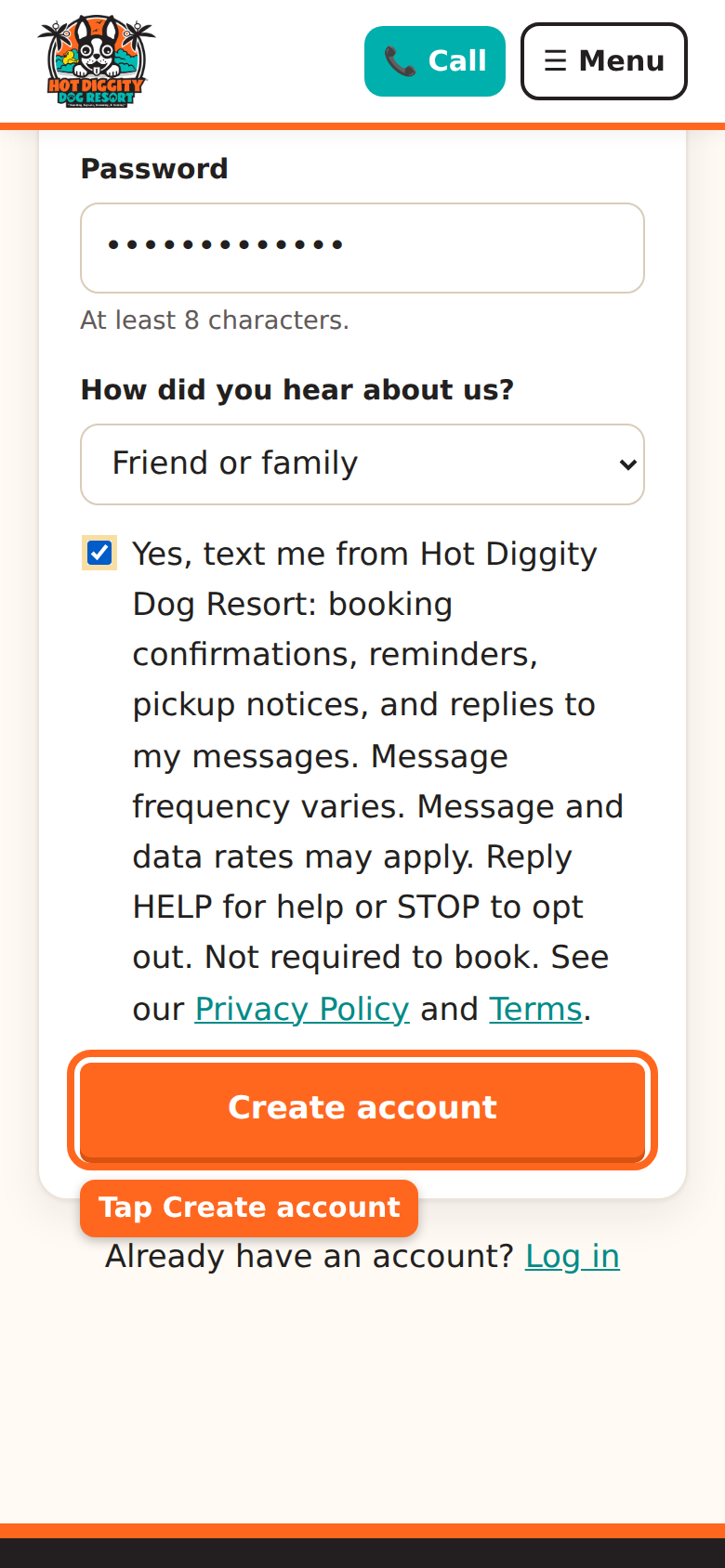
The Create account button - You are in! The site takes you right to Add a dog. It says "Welcome! Now tell us about your dog."
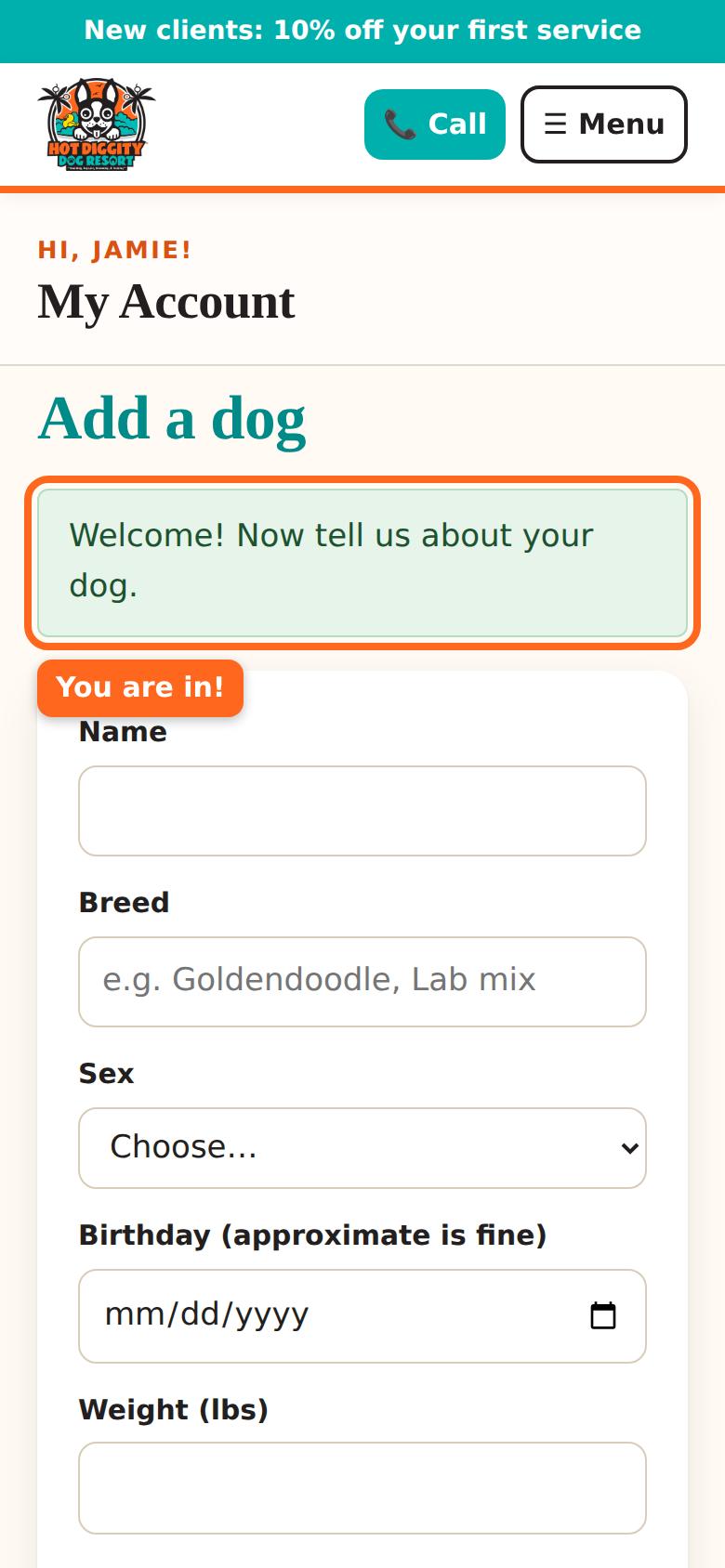
The welcome message on the Add a dog page - Next, go to Add your dog.
If you see a message
- "You already have an account. Log in below." You made an account before. Log in with that email.
- "We already have you on file from our old system." Good news! You are already here. Follow the steps on that page to make a password.
- "Please fill in every field." A box is empty. Fill in your name, email, and phone.
- "Passwords need at least 8 characters." Make your password longer.
Tip: New clients get 10% off the first service. Look for the "New clients" sign-up at the top of the site.
Stuck? Call us at (760) 745-9900.