
Log in, or reset your password
How to get into your account, and what to do if you forgot your password.
Log in to book, see your dogs, and sign forms. Forgot your password? You can make a new one in a few minutes.
Log in
- Press Log In at the top of the website. On a phone, tap Menu first.
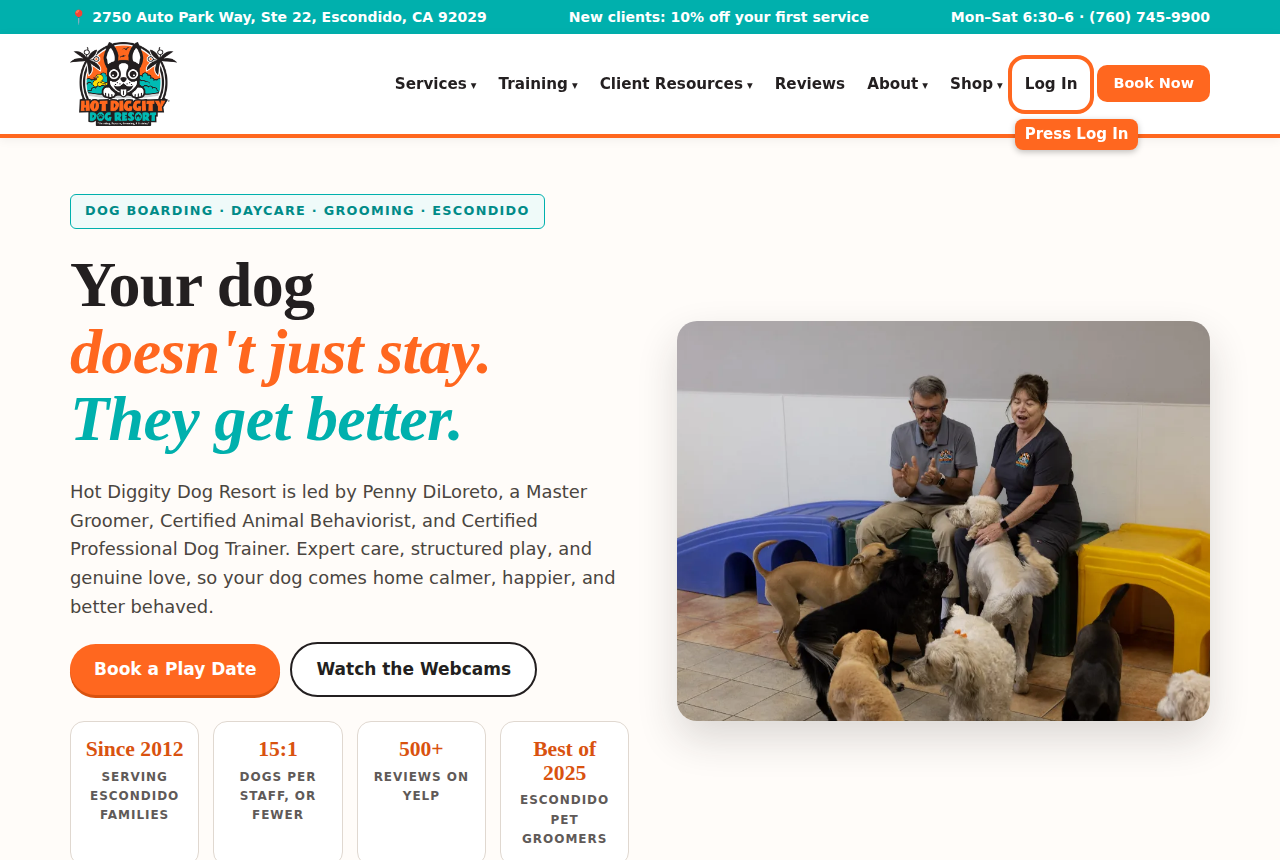
The Log In button at the top of the website - Type your Email.
- Type your Password.
- Press the Log in button.
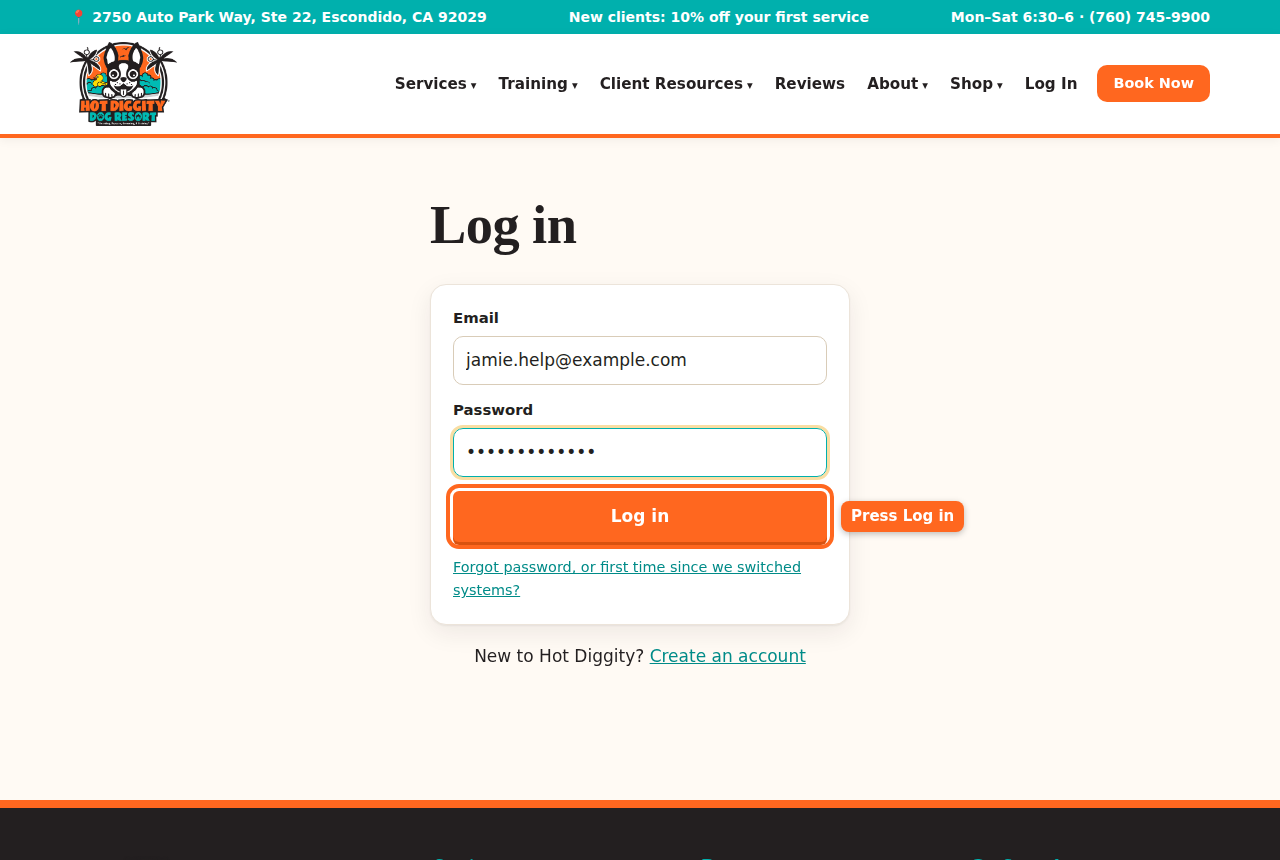
The Log in page with the Log in button circled - You land on My Account. You are in.Tip: Once you log in, the top of the site says My Account instead of Log In.
Forgot your password?
- On the Log in page, press Forgot password, or first time since we switched systems?
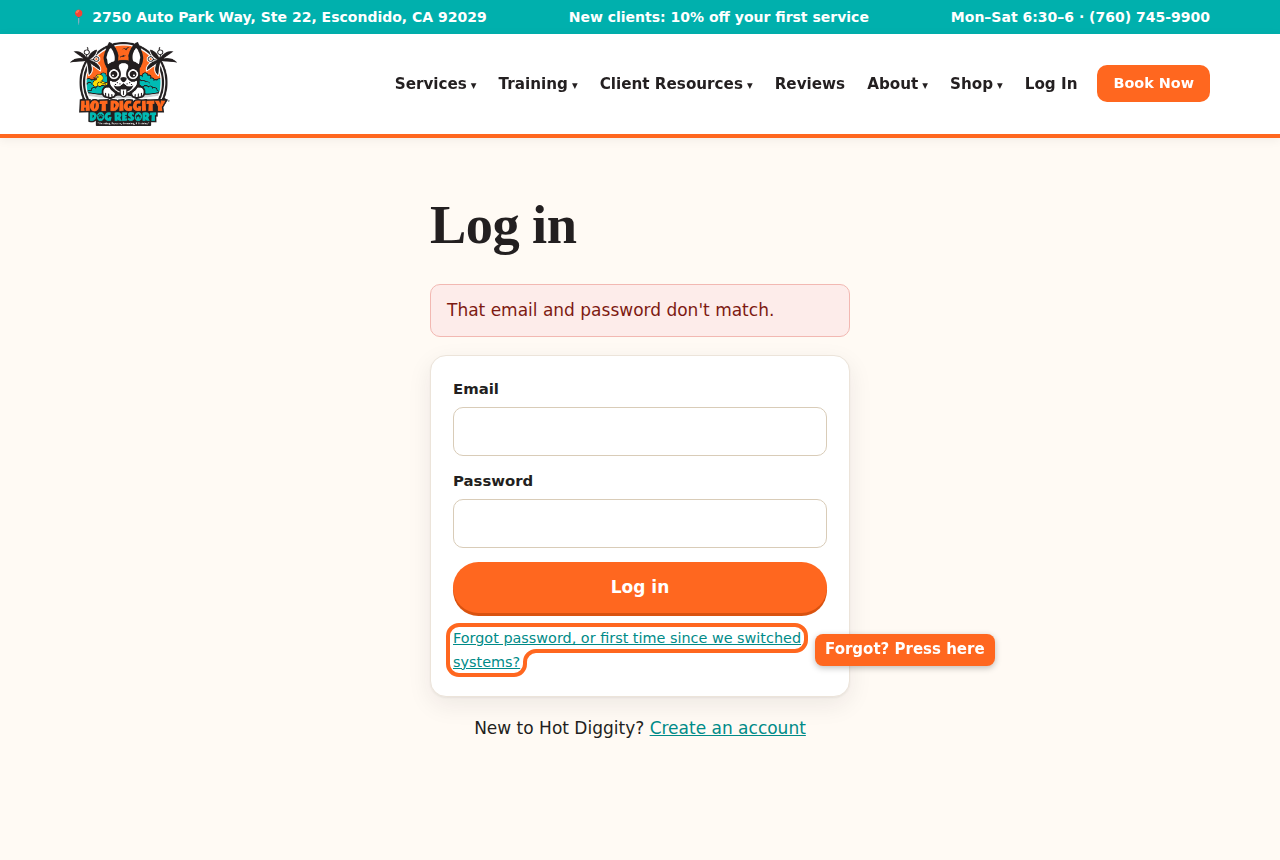
The Forgot password link under the Log in button - Type the email you use with us.
- Press Send me a link.
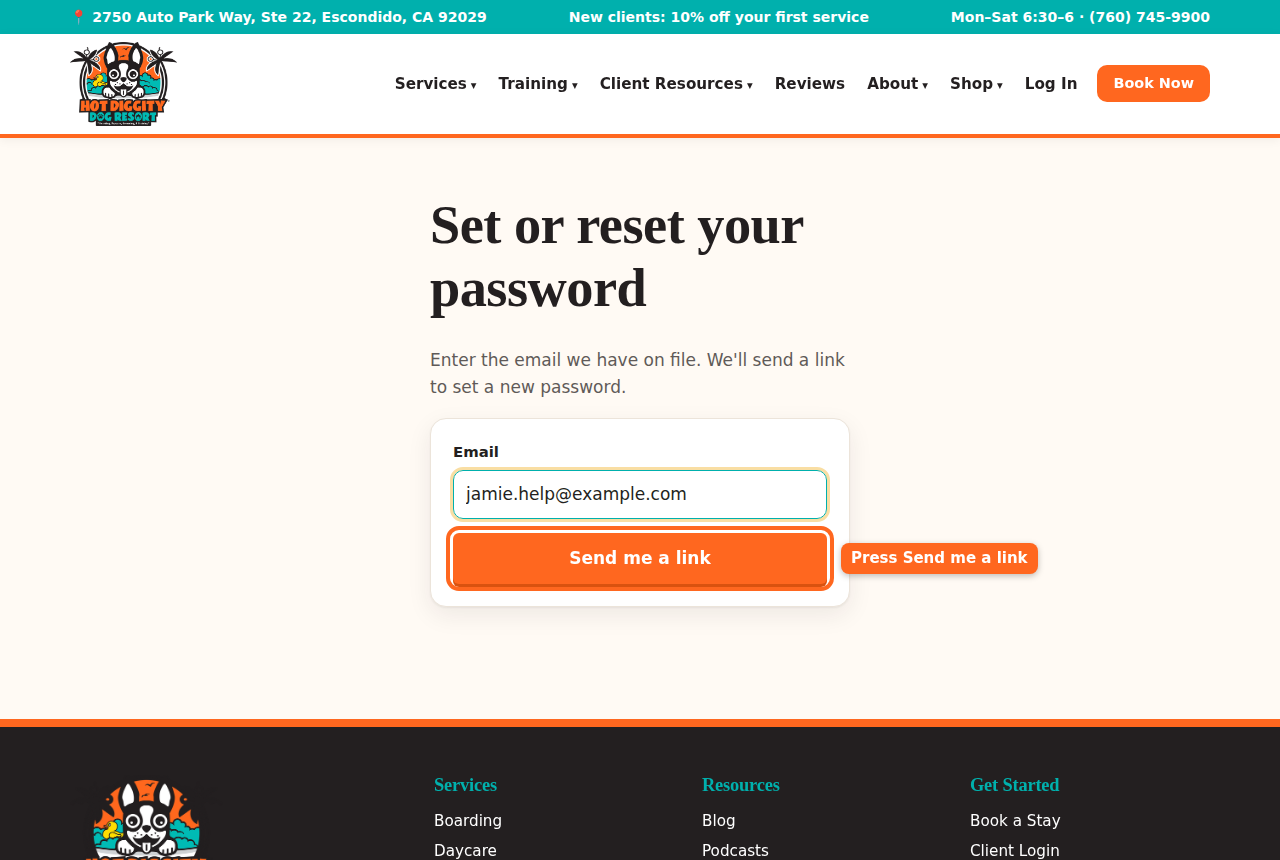
The Send me a link button - You see "If that email is on file, a link is on its way."
- Open your email. Look for a note from Hot Diggity Dog Resort. Check your spam folder too.
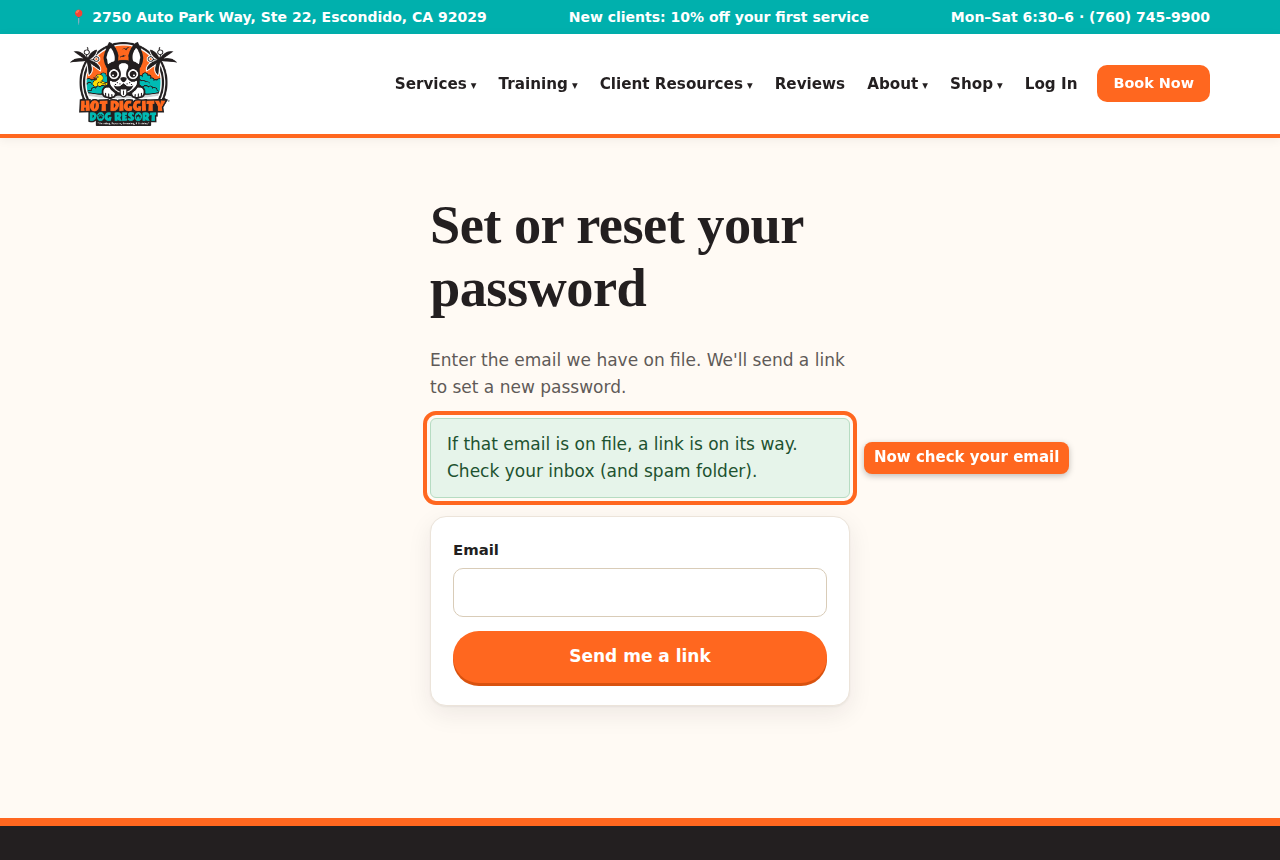
The message that says a link is on its way - Press the link in the email.
- Type a New password. It needs at least 8 letters or numbers.
- Press Save password.
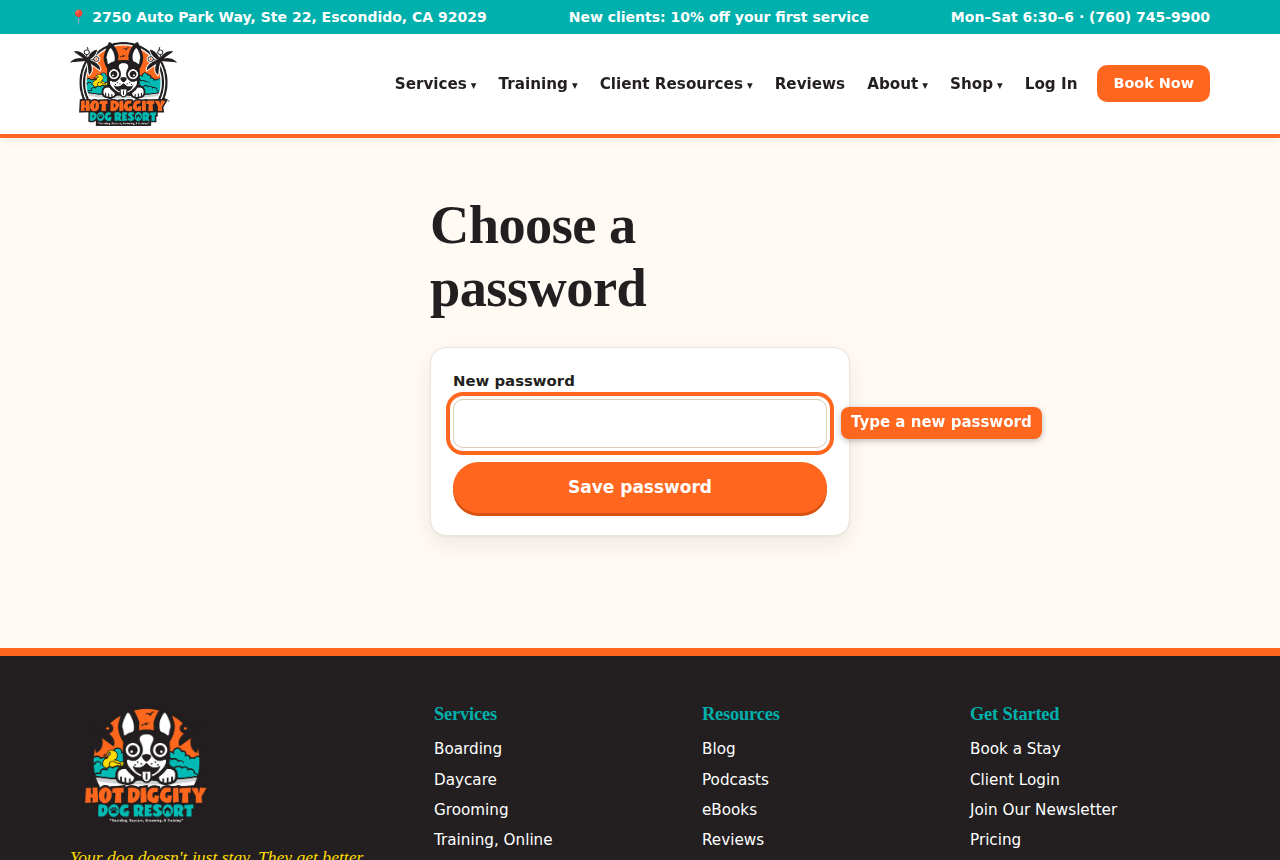
The Choose a password page - You are logged in. You see "Password set. Welcome back!"Good to know: The link works for 2 hours. After that, ask for a new one. Only the newest link works.Good to know: Setting a new password logs you out on your other phones and computers. Just log in again there.
If you see a message
- "That email and password don't match." Check your typing. Or reset your password.
- "Too many tries." Wait 15 minutes, or reset your password.
- "That link has expired." Ask for a new link.
- No email came? Check spam. Still nothing? Call us. We may have a different email for you.
Log out
- In the menu on the left, press Log out. On a phone, swipe the menu row to the end.Stuck? Call us at (760) 745-9900.