
Upload shot records
Send us a photo of your dog's shot papers from the vet.
▶ Watch this video in a new tab if it doesn’t play above.
Every dog needs three shots on file before a visit. You can send them from your phone. Just take a photo of the papers from your vet.
The shots we need
- Rabies
- Distemper-Parvo (DHPP): this is one shot that covers a few dog illnesses.
- Bordetella: this is the kennel cough shot.
Steps
- Log in. On My Account, find My dogs. Press your dog's name.
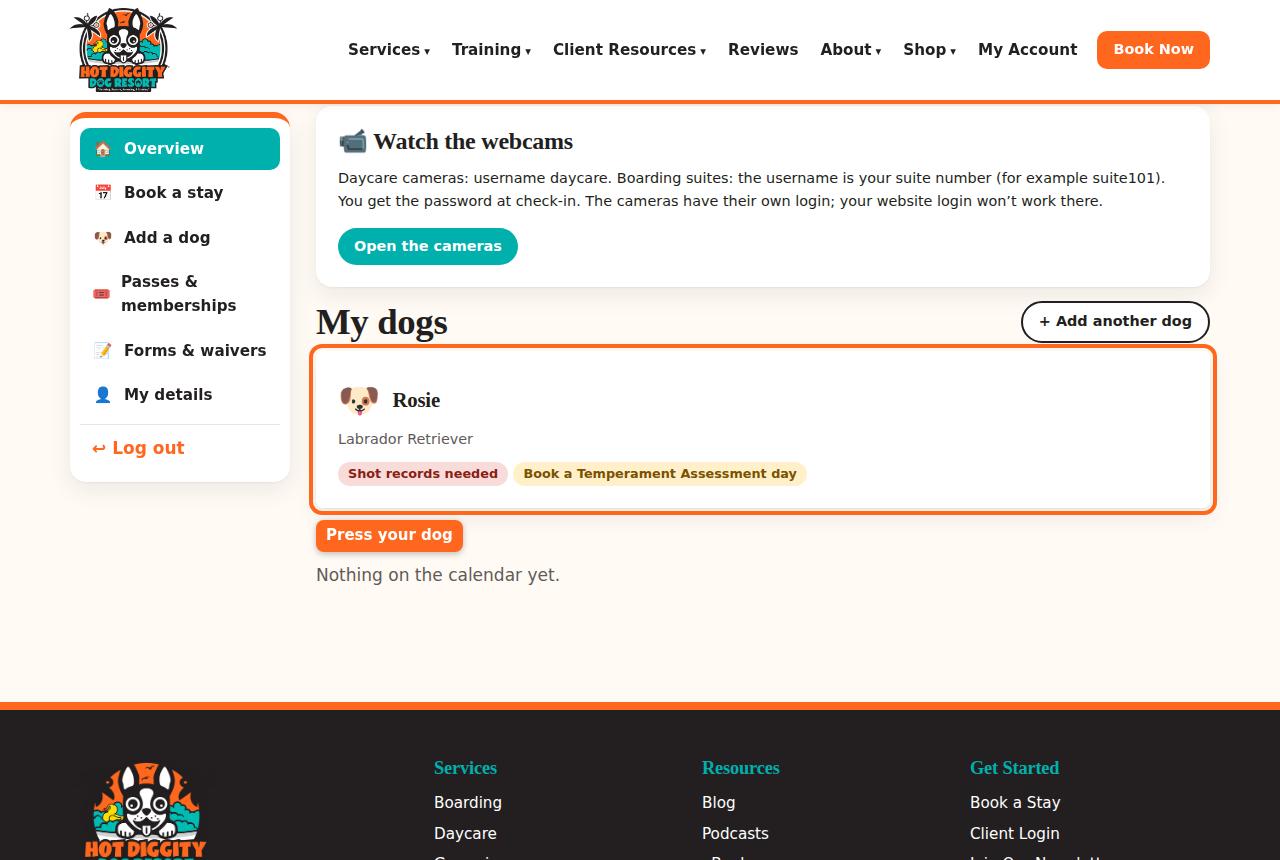
Your dog's card under My dogs - Find Shot records. The yellow box says which shots are Still needed.
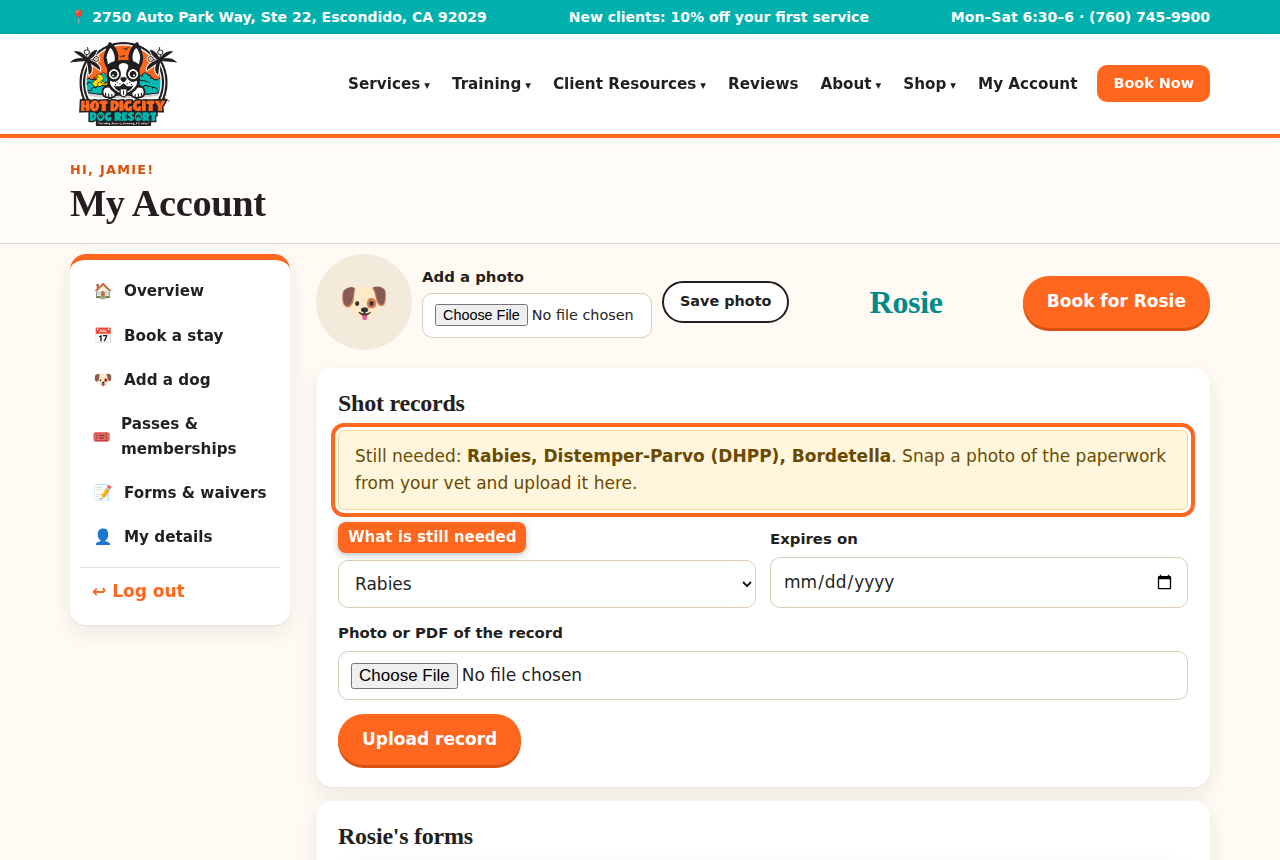
The Shot records box that lists what is still needed - Under Vaccine, pick the shot. Pick one shot at a time.
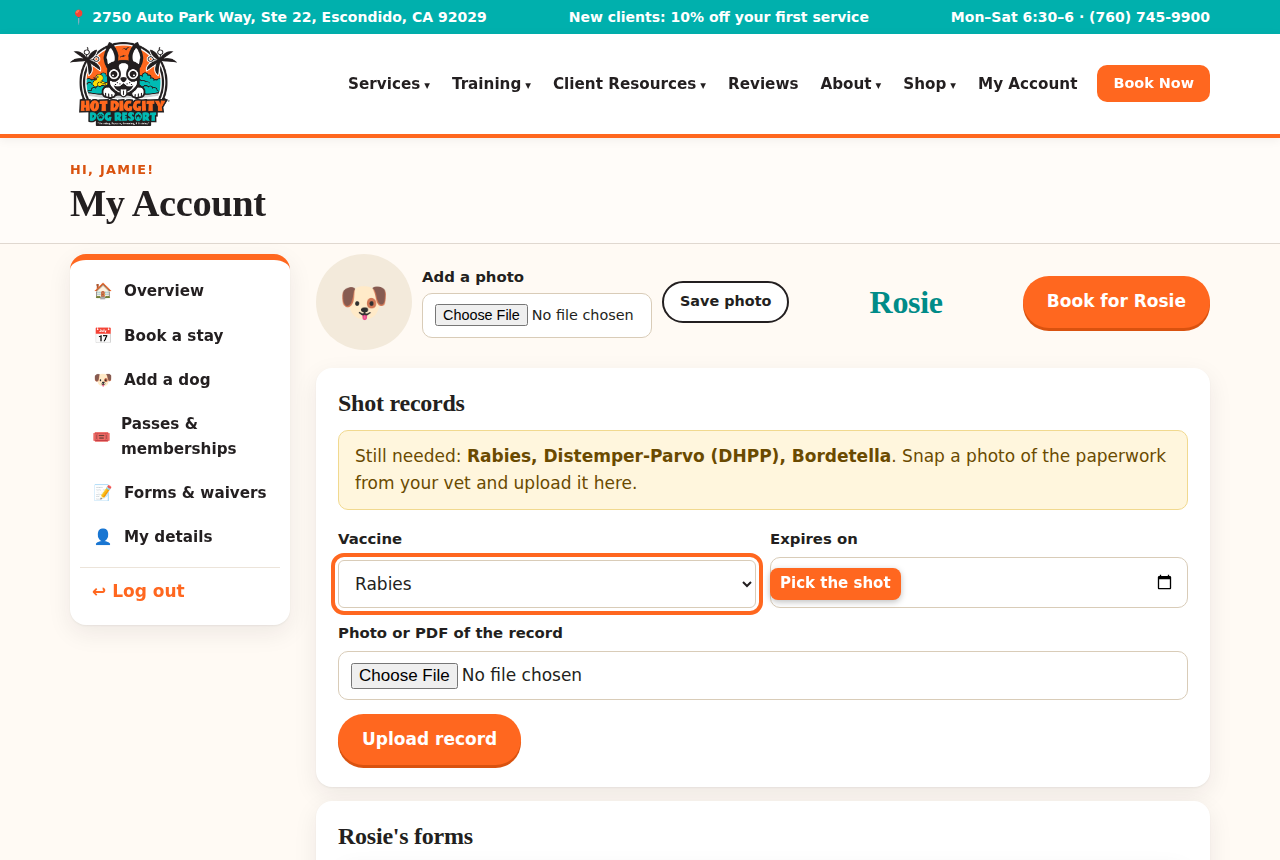
The Vaccine list - In Expires on, pick the date the shot runs out. Look on your vet papers. It may say "due" or "next due."
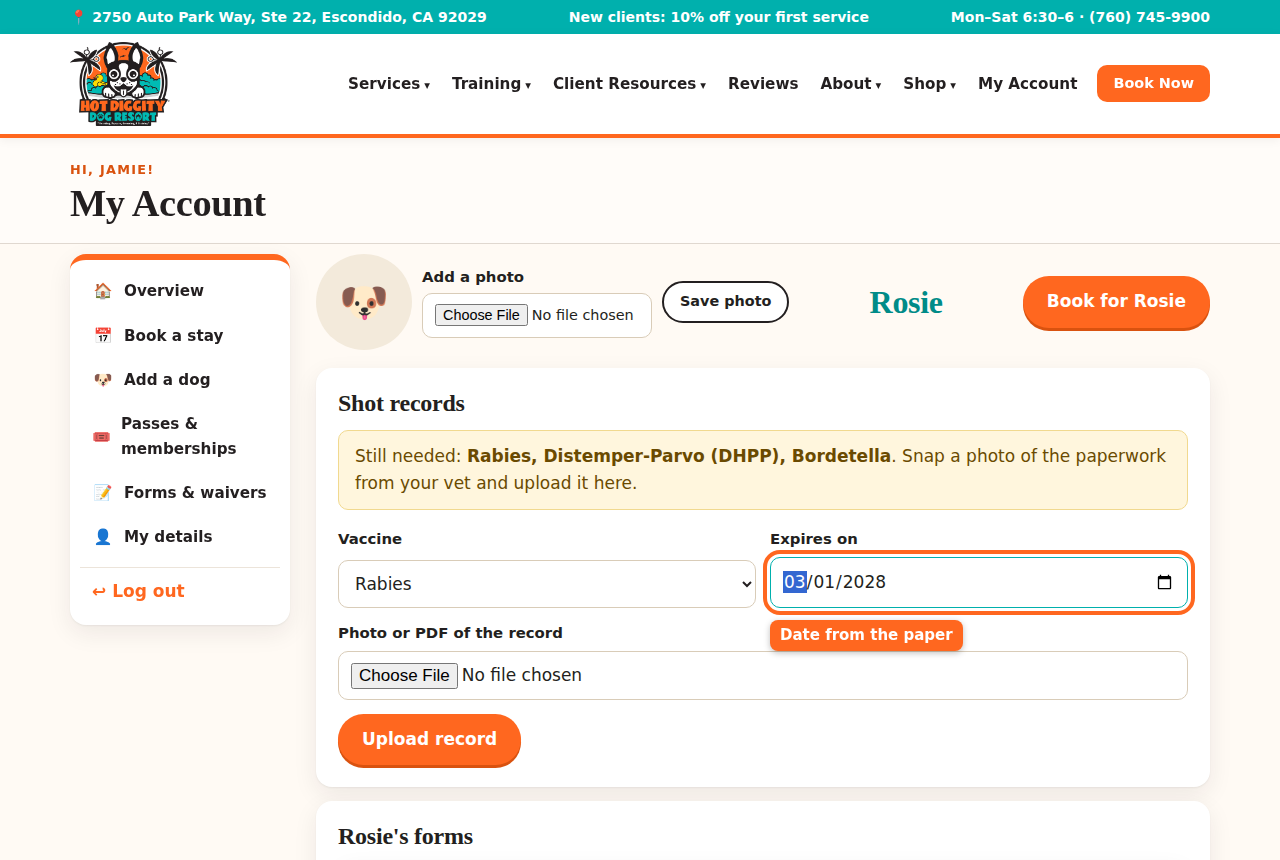
The Expires on date box - Under Photo or PDF of the record, press Choose File. On a phone, you can take a new photo or pick one you have.
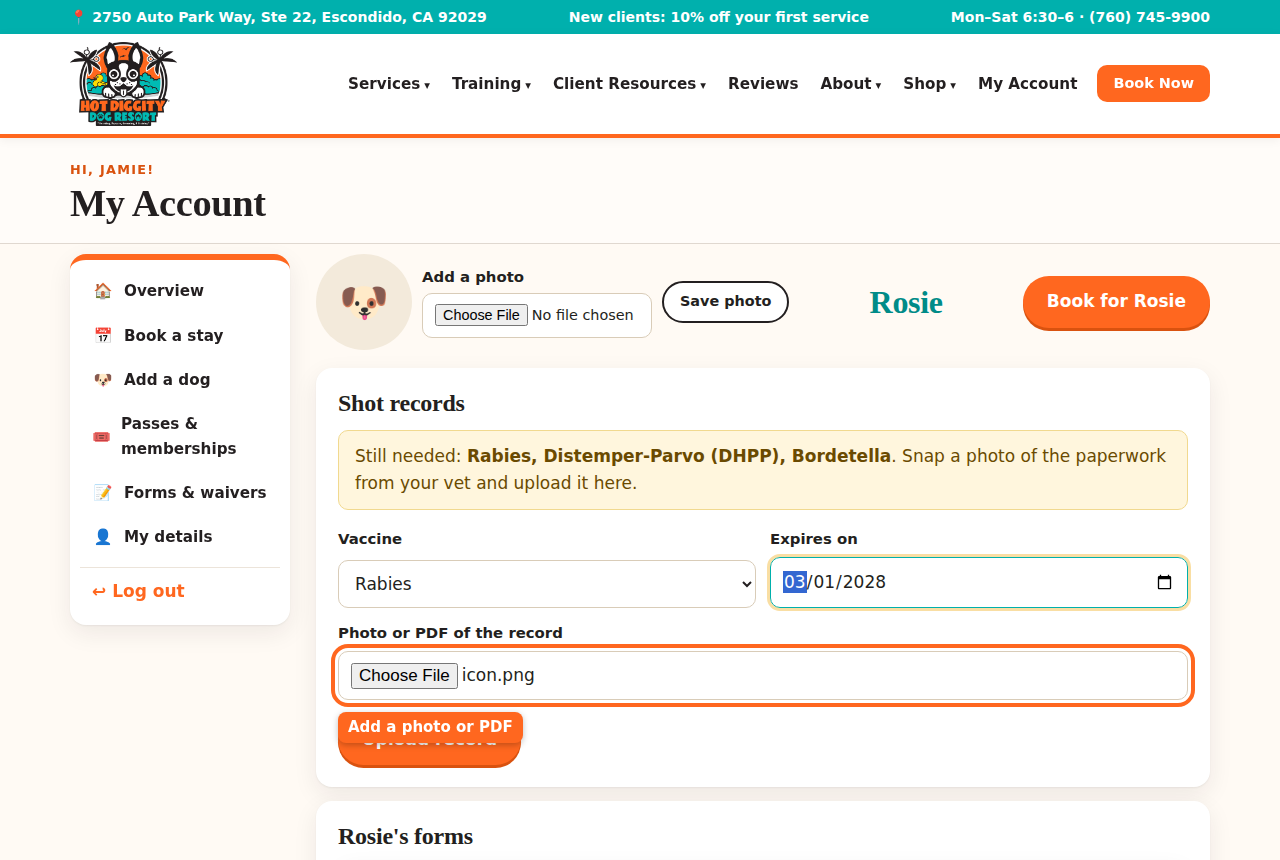
The Photo or PDF of the record box - Press Upload record.
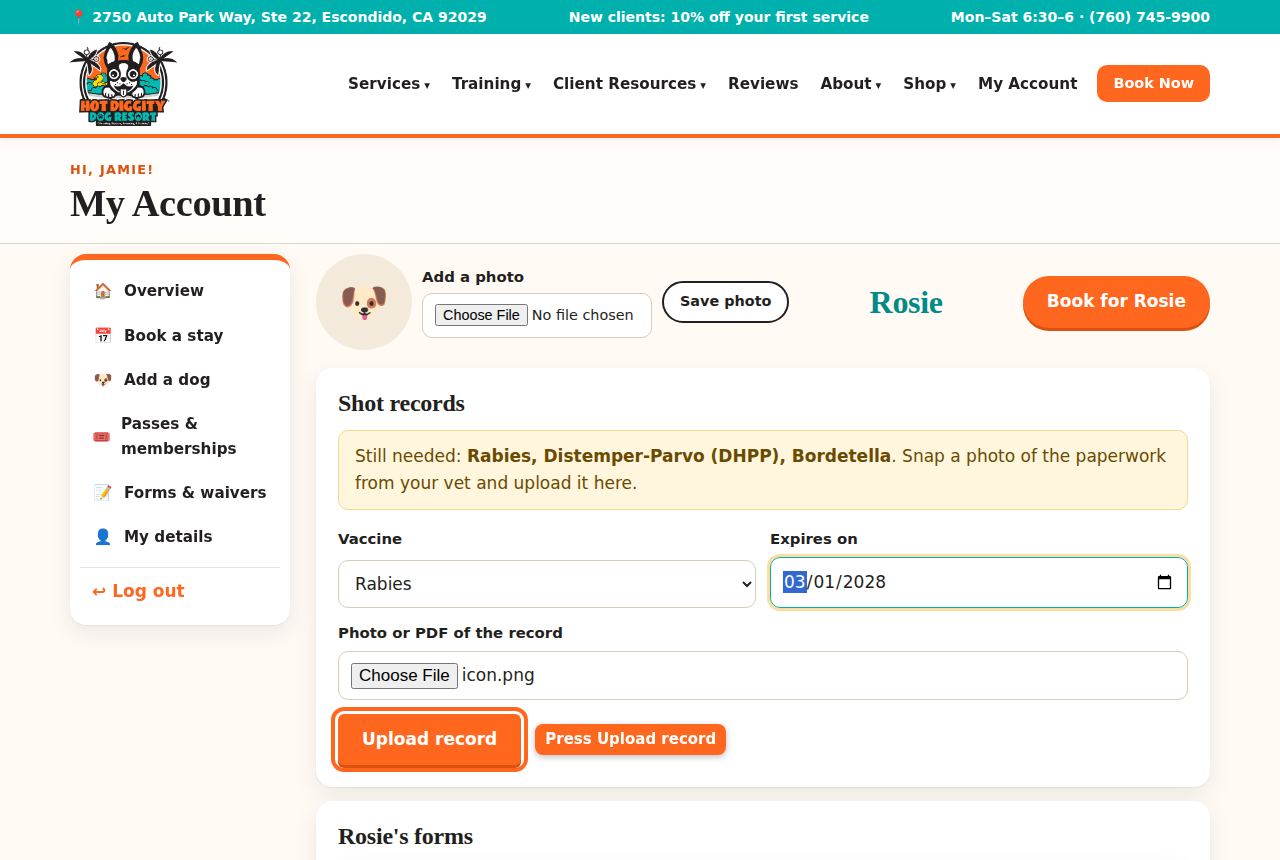
The Upload record button - You see "record uploaded. We'll verify it shortly." The shot shows Checking until our team looks at it. Then it says Verified.
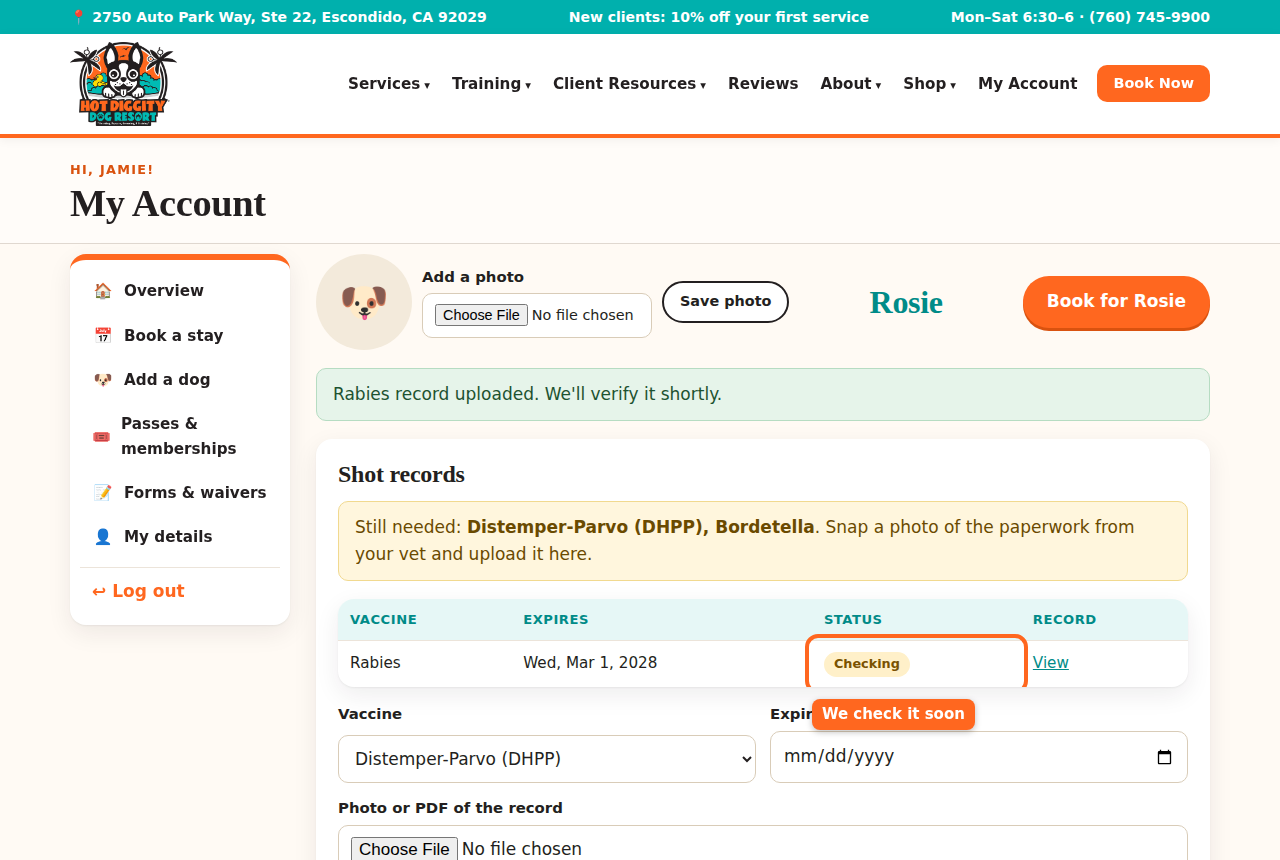
A new shot record that says Checking - Do steps 3 to 6 again for each shot.
- When all three are in, you see "All required shots are on file."
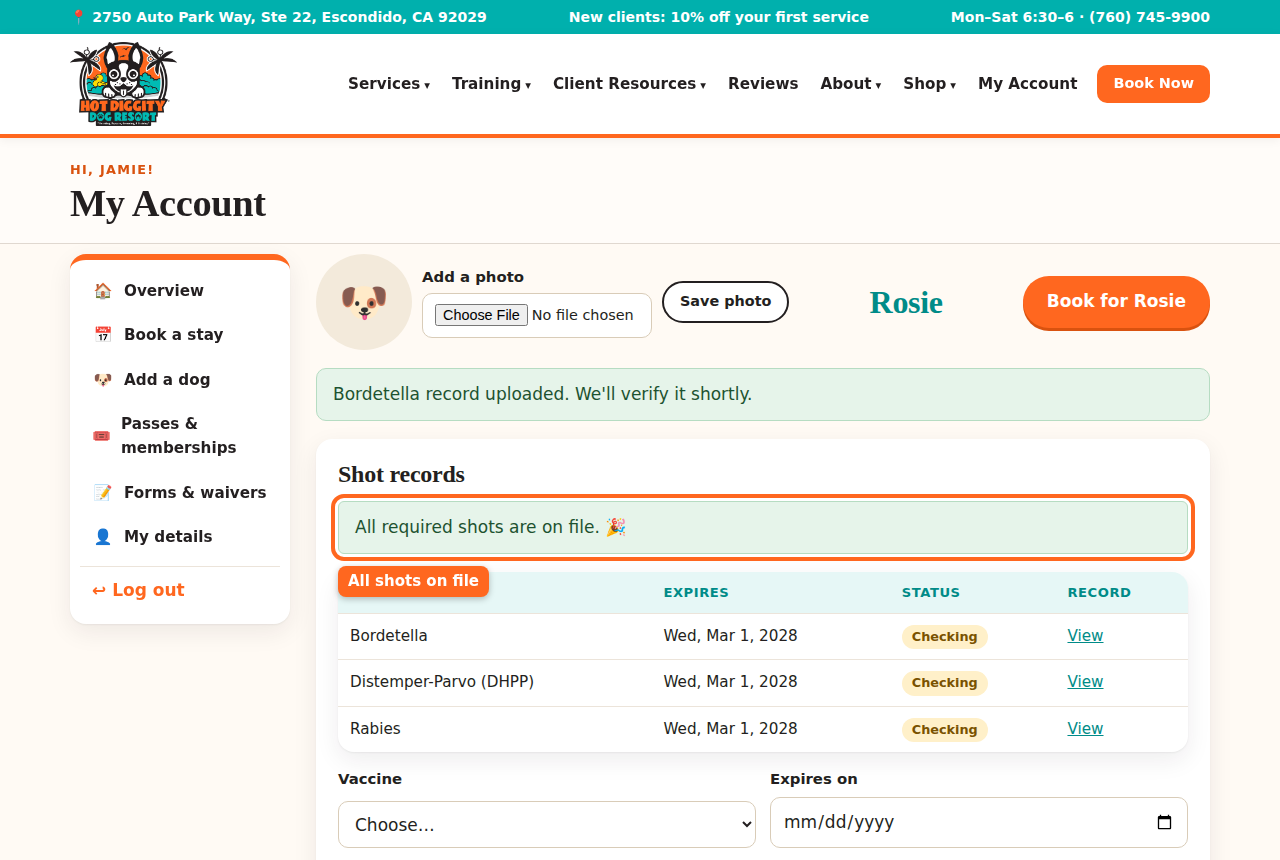
The message that says all shots are on file Tip: One paper often lists all three shots. That's fine. Upload the same photo three times, once for each shot.Good to know: Shots must still be good on the last day of your visit. If a shot runs out during a stay, the site will ask for a new record before it books.Good to know: We send a reminder about a month before a shot runs out. Then upload the new record the same way.Tip: Need a shot? Our vet, Dr. Moston, gives shots on vet days. See Book a vet visit.
If you see a message
- "Please choose which vaccine this is." Pick a shot in the Vaccine list.
- "Please enter the expiration date from the record." Fill in Expires on.
- "That date has already passed." The shot has run out. Your dog needs a new shot first.
- "Please attach a photo or PDF of the record." Add the photo, then press Upload record again.
Stuck? Call us at (760) 745-9900.